
Contact Us
Not sure what to ask? Start with what you want to watch or what you see on your screen. You don’t need to know which setting has gone wrong.
For IPTV support or a question about an order, choose WhatsApp, email or Telegram below. Your message reaches the people who run BritishIPTVOne.
How would you like to get in touch?
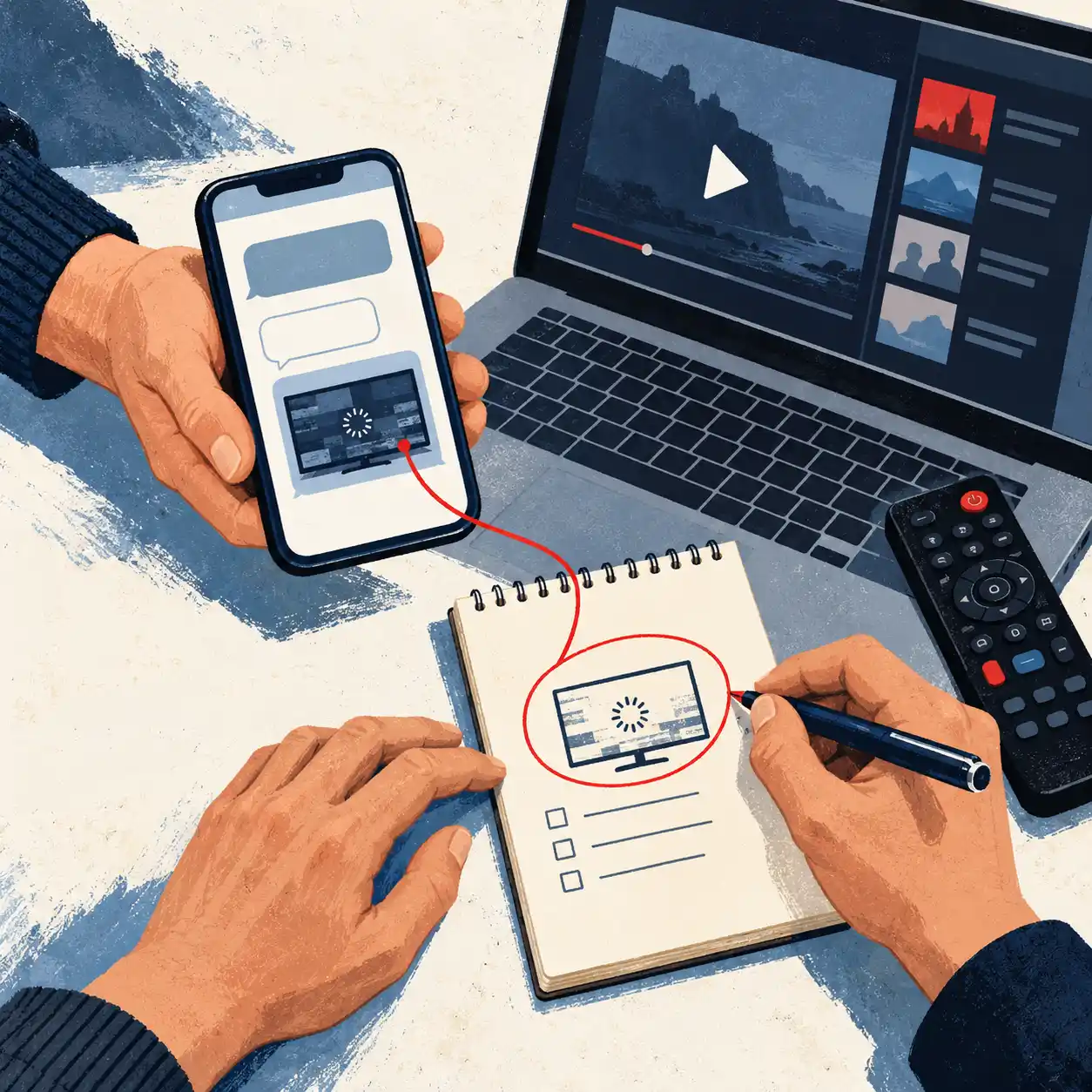
Ask a question or show us what’s happening on your device. A photo of an error message can be easier than trying to describe it.
Write to help@britishiptvone.com. If there are several details to explain, put them together in one email so we can follow the full enquiry.
Telegram
If you already use Telegram, you can contact us there too. Use the button below to open a conversation.
We answer enquiries seven days a week. We aren’t staffed around the clock, so there may be a wait when we’re away.
A useful first message can be simple
“The app doesn’t work” can mean it won’t open, won’t accept a login or won’t play a channel. Tell us which part stops working.
For example:
I’m using TiviMate on a Fire TV Stick. The channel list loads, but one channel stays black. Other channels still play. It started this evening.
That gives us a clearer starting point. Include any checks you’ve already tried so we can work from there.
For instructions you can follow yourself, find your device in the installation guide. Questions about subscription lengths or screens? Compare the plans.
Before you send your message
What should I leave visible in a screenshot?
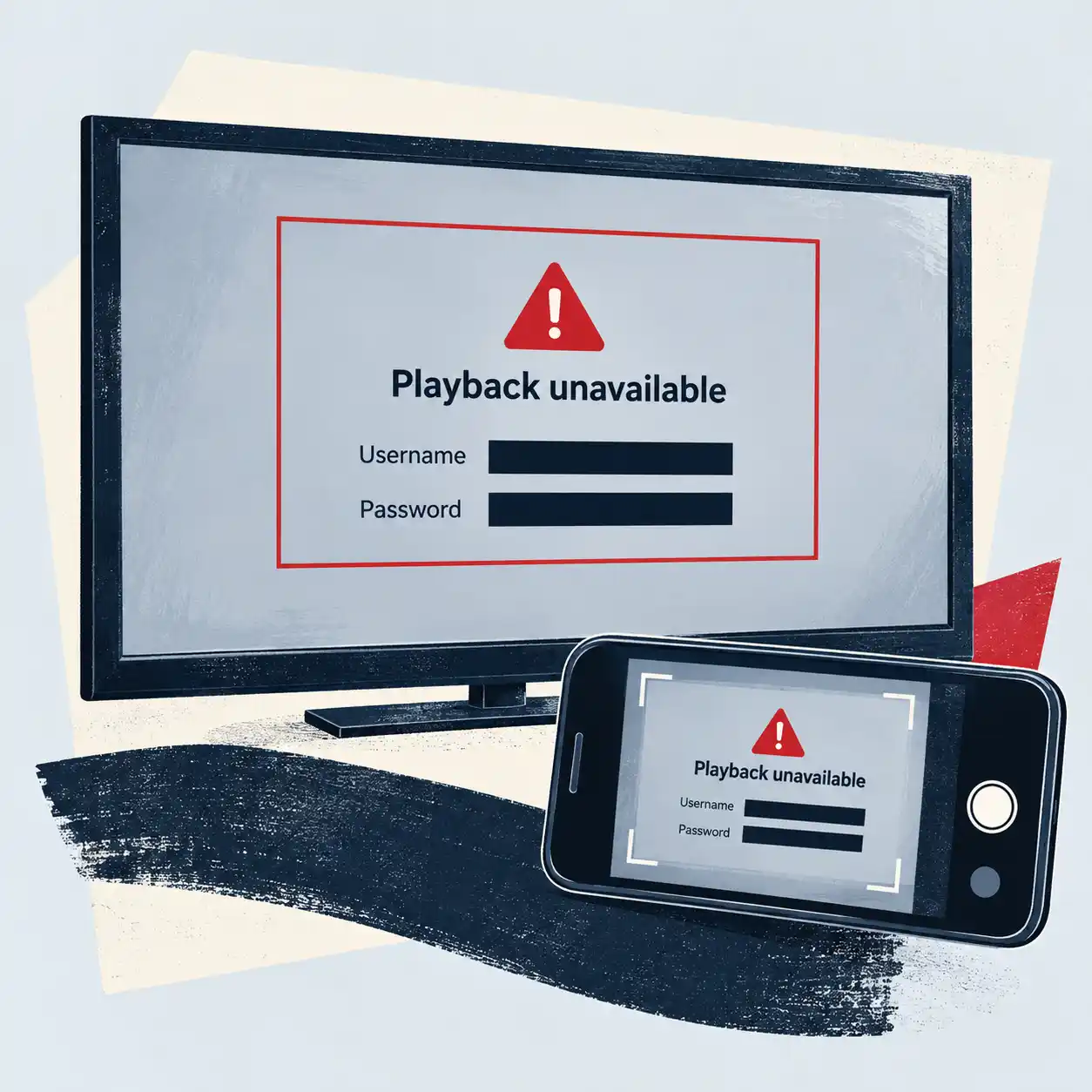
Show the app name, error message and the part of the screen you’re asking about. Cover passwords, full playlist links, payment details and unrelated messages. A playlist address may contain your username and password.
How can you find my purchase if I don’t have an order number?
Tell us when you paid, which payment method you used and the name attached to the payment. Include a transaction reference if you have one. Share the relevant receipt details rather than a full bank statement.
What if the problem only happened during one programme?
Include the exact channel name, programme or match, and the date and time with your time zone. Tell us whether playback stopped, lost sound or showed a different programme. If it works again later, mention that too.
Should I send another message through a different app?
Keep your follow-up in the original conversation where possible, so the earlier details stay together. If you need to switch from WhatsApp to email or Telegram, mention where you first contacted us and briefly describe the enquiry.
Send us a subscription or support enquiry
Thinking about a UK IPTV subscription, renewing a plan or asking about an existing account? Use this form to send your question by email. We’ll reply to the address you provide.