About BritishIPTVOne: the people behind your IPTV service
I started BritishIPTVOne to help UK viewers enjoy television from different countries through one subscription: football from home, films in another language and series the whole family can follow.
I run the service with a friend, drawing on around two years of helping customers choose players and get their accounts working. We answer enquiries ourselves. You can ask the people running the service about your device, your viewing choices or a problem that needs attention.
An IPTV provider you can speak to directly
Check your channels before paying
Send us the channels and languages that matter to you before paying. We’ll check current availability, so your decision starts with what you actually want to watch rather than the size of a channel list.
For football and other live sport, include the competition, fixture date and preferred commentary language. A channel carrying one match does not mean it carries every fixture.
Find a player that fits your device
A poor app choice is a problem we regularly help customers solve. If a player is unsuitable for your television, trying the same login repeatedly will not fix the mismatch.
We help you choose a compatible IPTV player and work through the setup. Prefer to follow instructions yourself? Open the guide for your device.
Decide when to renew
Our prepaid subscription options end when the purchased term finishes. There is no automatic renewal; continuing is your decision.
Check any separate app charge before choosing a player. The free and paid player explanation shows how software fees differ from viewing access.
Plan for the screens used together
A football match in one room and a film in another require two simultaneous streams. Moving from your television to your phone, after stopping TV playback, uses one.
Tell us how your household watches at its busiest time. We’ll help you choose between the one-to-four-stream options without counting every device you own as another connection.
Know what happens after payment
After payment is confirmed, we usually send access details within 2–5 minutes. Tell us your player so we can provide the appropriate Xtream Codes credentials or M3U playlist link.
Receiving your login and completing installation are separate steps. If you are unsure where the details belong, ask us before changing settings or buying another app.
Return for help during your subscription
Our help continues after activation. If playback changes later, we work through account, player and connection checks with you, including VPN settings where relevant. Keep the earlier conversation so we can see what you have already tried.
We answer enquiries seven days a week. There are two of us, and we are not staffed around the clock, so replies may take longer while we’re away.
IPTV vs traditional TV: compare how you watch
IPTV delivers television over the internet. Aerial and satellite services use a different connection. The right choice depends on your equipment, live sports viewing and total costs.
Start with your existing equipment
A compatible TV or streaming device may be all you need for IPTV, without adding an aerial or dish. Check compatibility in our device setup guide before buying hardware.
Know what matters for live sport
For football and other live sports, stable playback and timing matter. Internet streams can run behind broadcast TV, so score alerts may arrive before the goal. Ethernet can reduce Wi-Fi problems on compatible devices, but it cannot remove the stream’s delay.
Compare the complete viewing cost
Include broadband, player fees and equipment alongside the subscription price. Aerial-based Freeview works without broadband, while satellite and cable packages may also include apps and on-demand viewing. Compare the channels and terms you need before switching.
Read how customer questions were handled
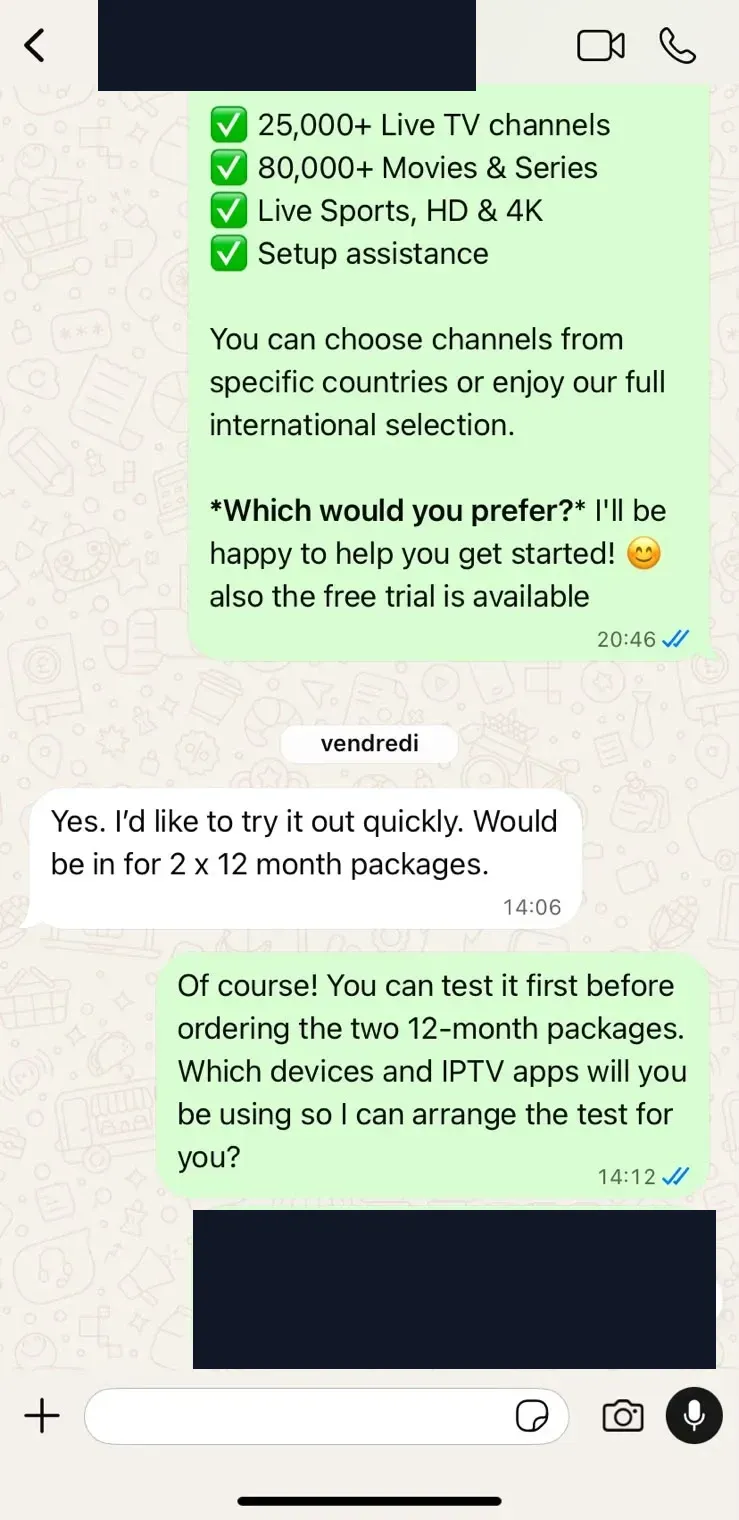
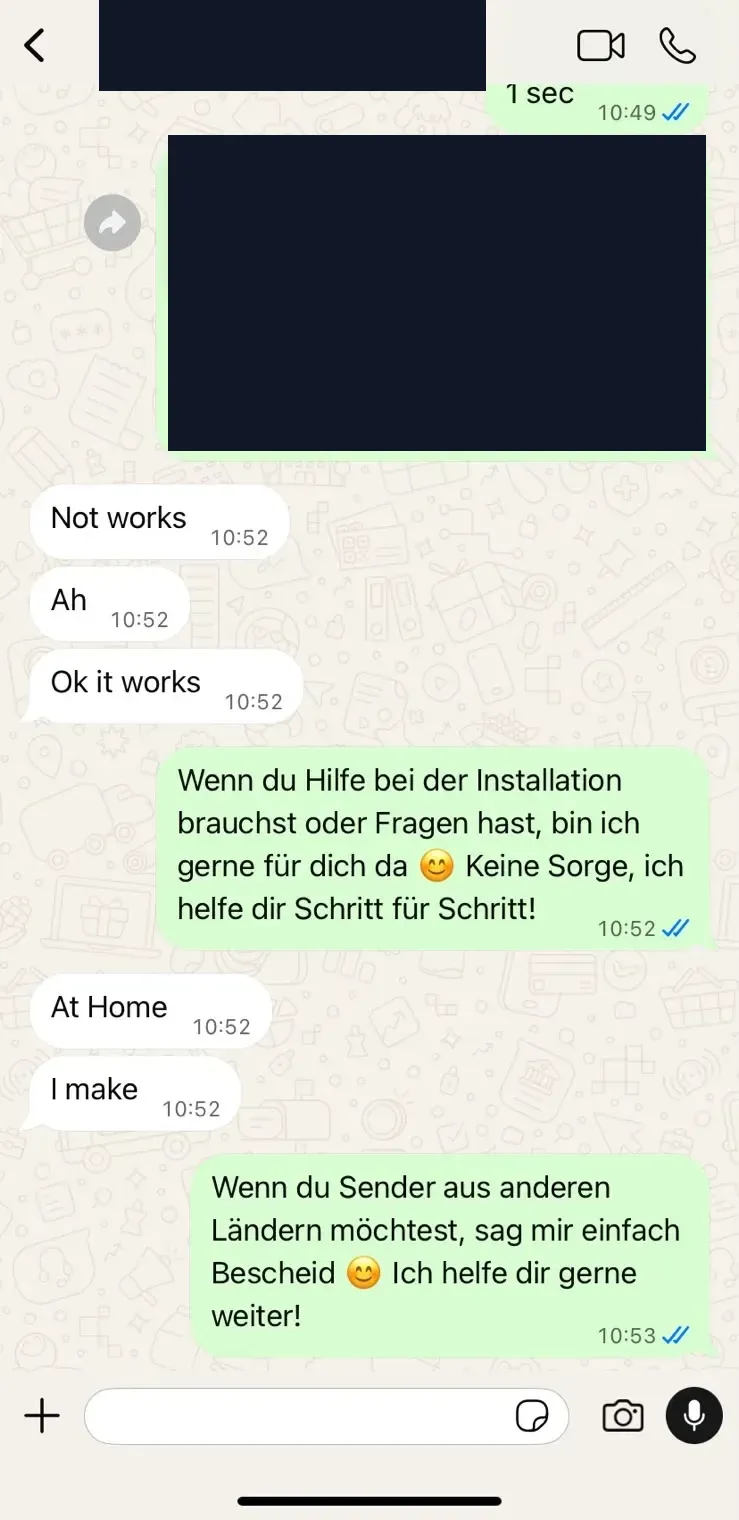
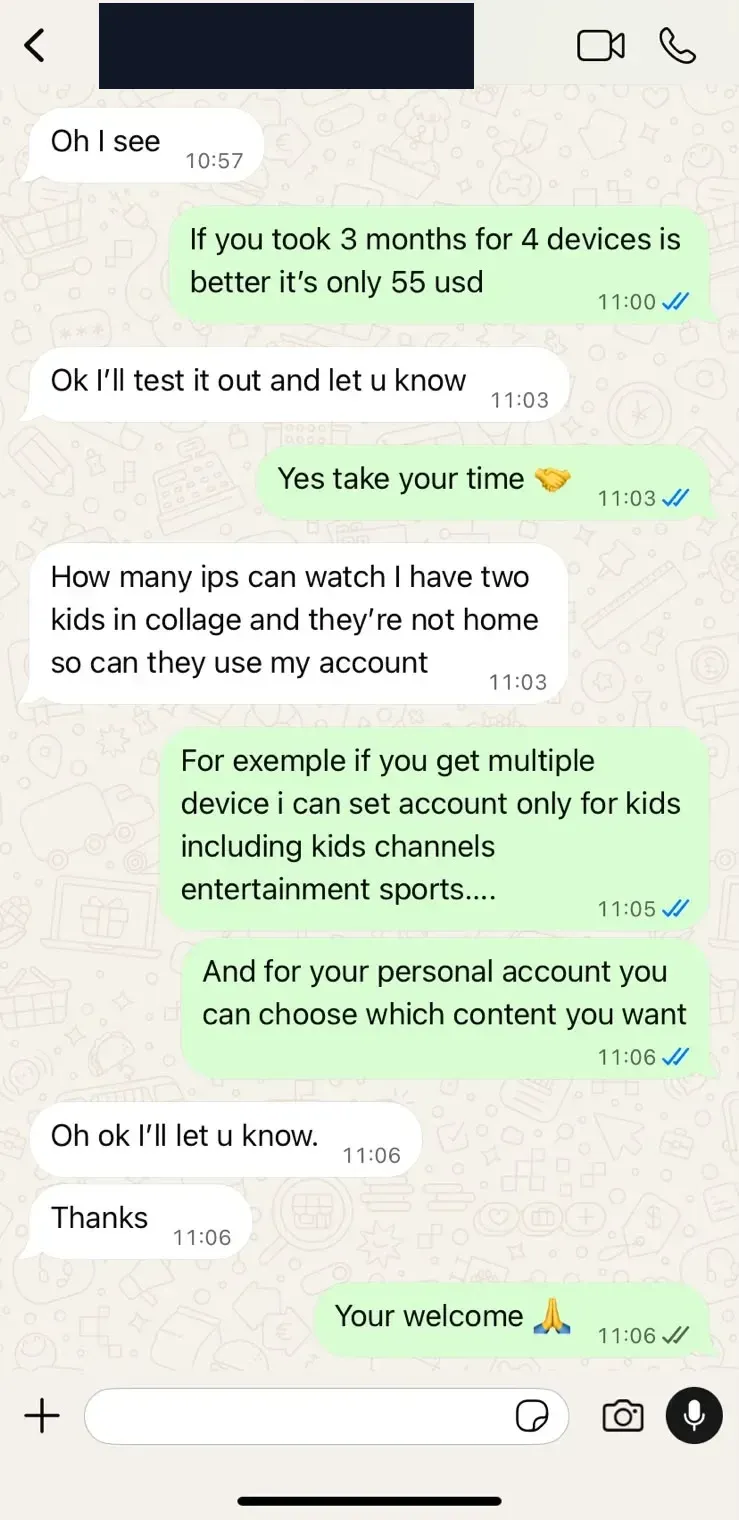
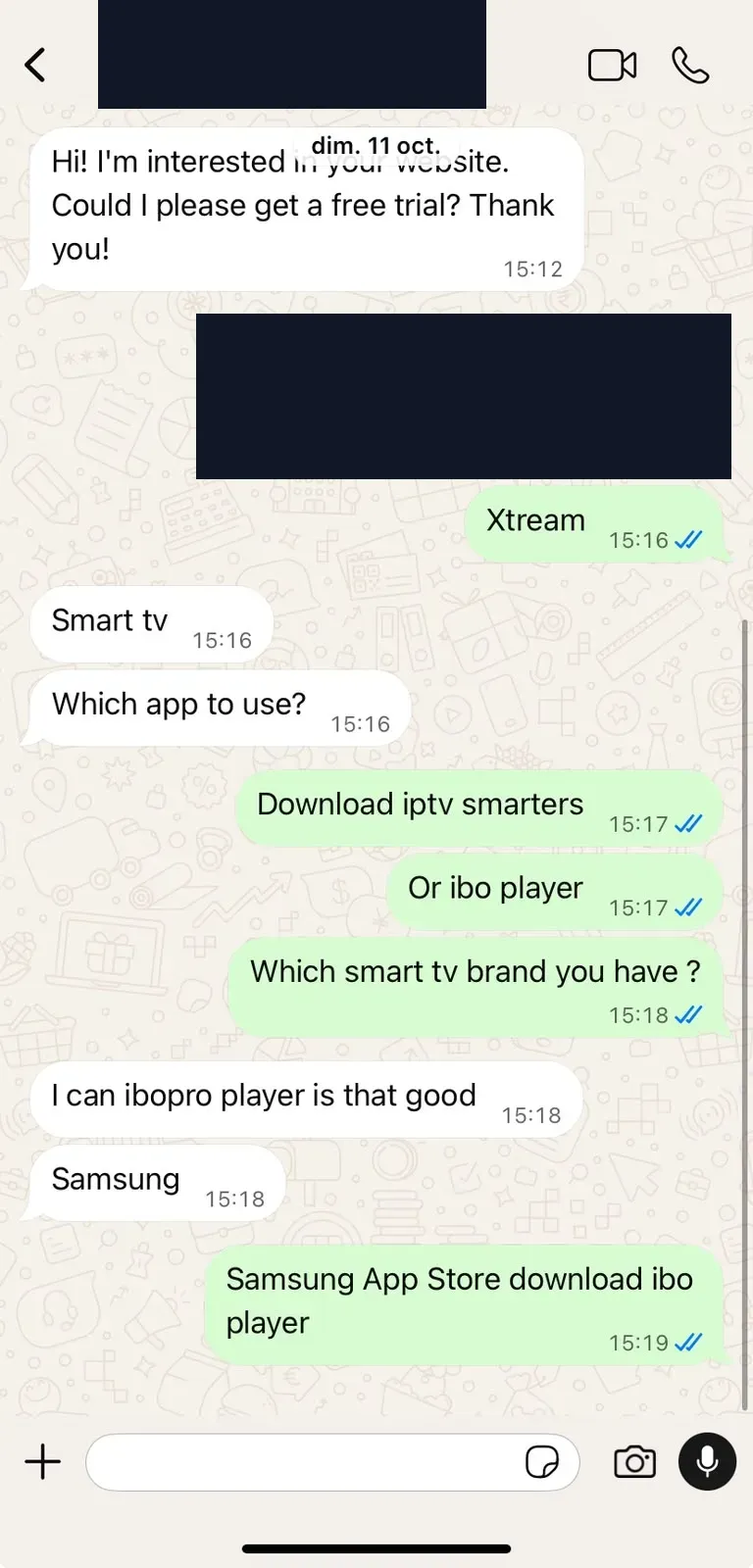
These WhatsApp exchanges show what contacting our IPTV service can involve: checking an annual order, resolving a playback question, discussing family viewing and choosing a Samsung TV player. Open a screenshot to read the conversation in full.
Checking two annual subscriptions
A customer asks about two 12-month plans. We check the intended devices and players before proceeding.
Playback working after a problem
The customer confirms playback is working after an initial problem, and we offer further setup help if needed.
Viewing across the family’s devices
A parent asks about children watching away at college, prompting a discussion about account use and separate viewing options.
These are individual experiences, rather than a promise that every setup will behave the same way. For account terms or a purchase concern, read our Terms & Conditions and Refund Policy. Our Privacy Policy explains how customer information is handled.
Before choosing a UK IPTV subscription, ask us about your setup
You do not need the technical answers before getting in touch. Start with what you know below, and we’ll help work out the next step.
Your television or streaming device
Share the brand and model, such as a Samsung TV or Fire TV Stick, so we can check the setup.
The player you already use
Tell us the app name if you have one installed. If you haven’t chosen a player yet, just let us know.
What you want to watch
Mention the channels, languages or football competitions you follow, plus how many screens will be playing at once.
Interested in 4K IPTV?
Name the channels or films you want in 4K. We’ll check current availability rather than assume every source offers it. See what affects 4K IPTV picture quality before deciding what your setup needs.
Prefer to compare plans first? View subscription prices.
Email: help@britishiptvone.com